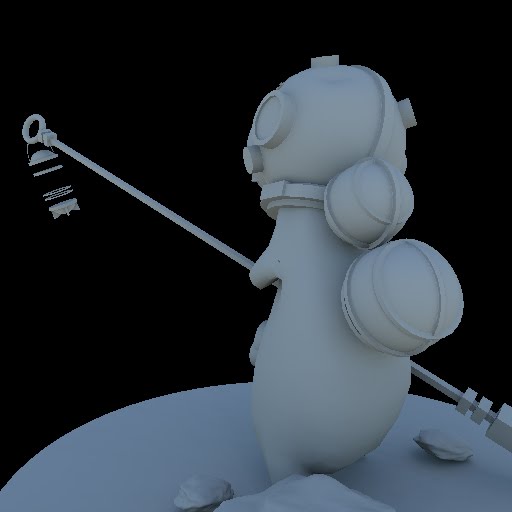
Animated Character
I went about texturing this model a little differently to usual so I thought I'd mention it. I'd normally lay out the UV's, pick a few nice base textures and start painting away in photoshop. I thought I'd try something different this time round, it's a technique I've seen used in lots of places and I was keen to try it. Instead of manually painting in all the rusted / chipped areas (which is actually a lot of fun) you use a bunch of masks and procedural noise to blend between different surface types. The image below shows a rust mask built from ambient occlusion, cavity, 3d noise and a scratchy bitmap. The ao and cavity maps provide rusted areas in the grooves and worn edges while the noise and scratch maps provide general wear and tear.

Below is the resulting texture map, rendered straight from the material editor. It could definitely use a pass in photoshop to add some more specific detail but it's fine for the time being. Rendering out spec and bump maps was also very easy.


With the textures done I animated a walk and idle cycle and exported the character into the engine. I've spent a lot of time on the mesh and animation exporter so thankfully the process isn't painful.
Video
Okay, onto the actual video which came together pretty quickly. I already had a very basic animation system in place but it doesn't support blending so the animations do pop a bit. I also had to manually control the camera so the camera work isn't as smooth as the other videos. Environment wise I'm still using the same volume textures but I have boosted their contribution to the light buffer.
That's all folks, don't forget to switch it over to HD, hope you enjoy and thanks for reading :)